Stichfest

Help

First steps, guides and the most common questions. Anything else by email.

Getting started

  1. Start a run. You start with eight weak tractors. Two kids and a boss wait in each of the five schoolyards.
  2. Play a duel. Whoever won the last trick picks a card and a category. The higher value wins the trick, and after five tricks the duel is decided.
  3. Win cards. After a win you take a card from your opponent. The kiosk sells stickers, snacks and card packs for pocket money.

Guides

Play a duel

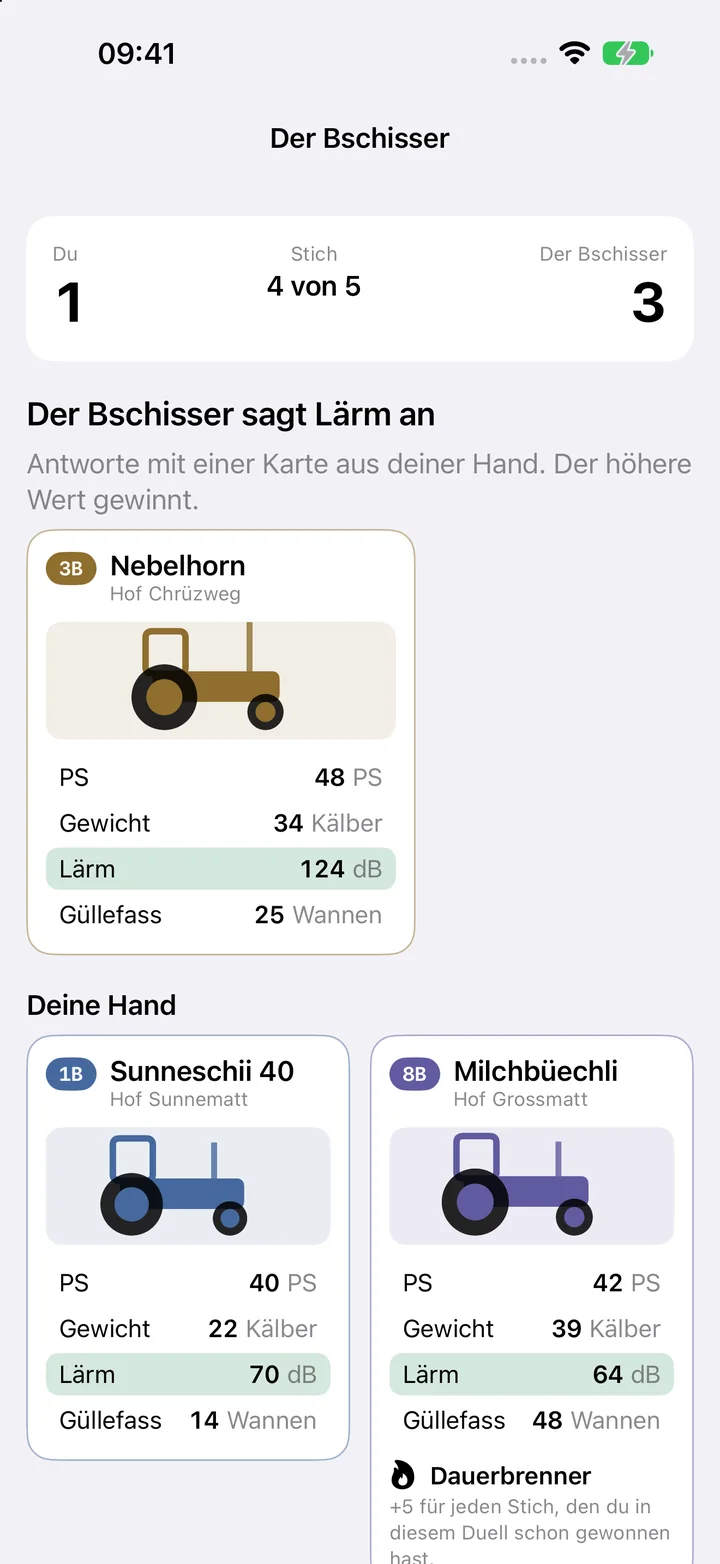
  1. In the Play tab, tap “New run”, then “Start duel”.
  2. When it is your call, tap the value on a card you want to play with.
  3. When your opponent calls, tap the card you answer with.
  4. Tap “Next trick” to continue. After five tricks the duel is decided.
Play a duel

Win a card

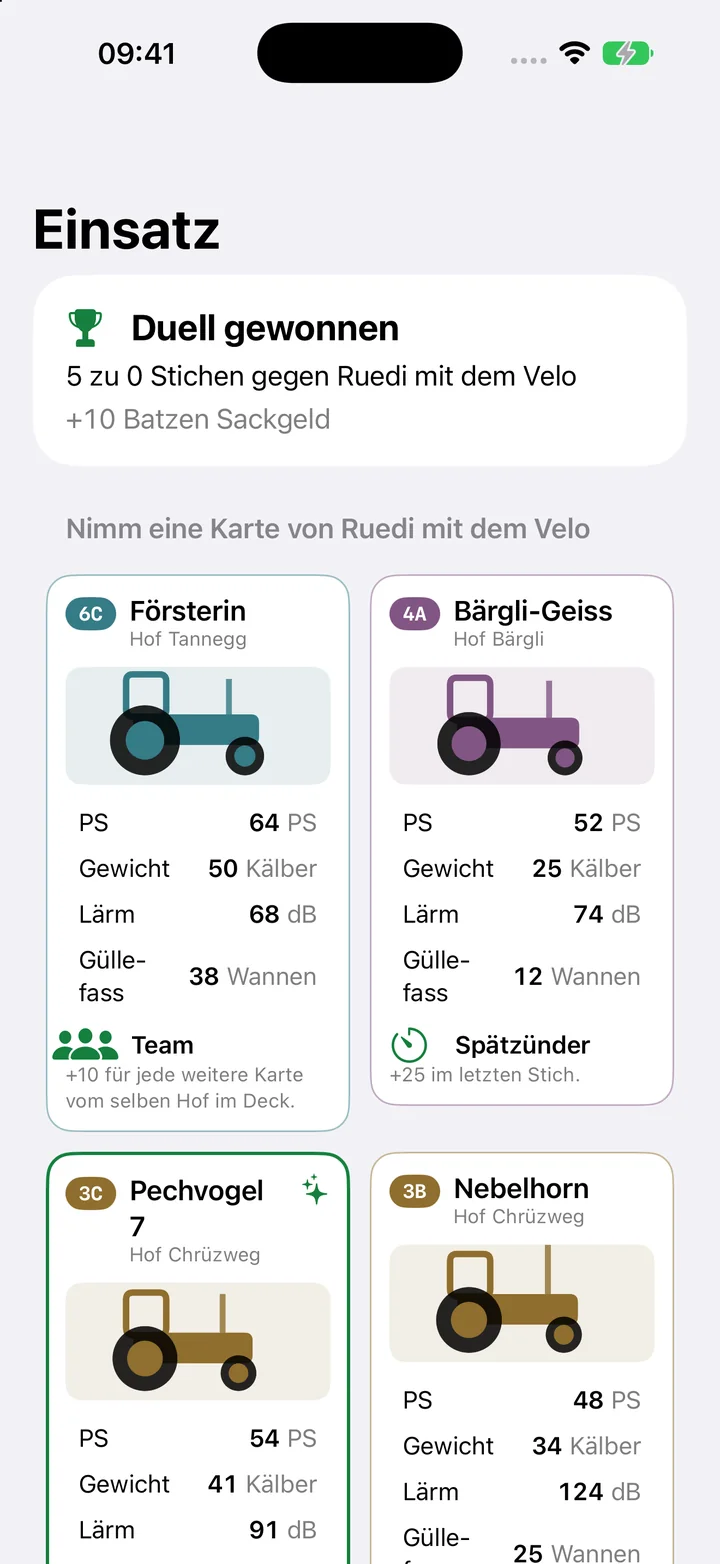
  1. After a win, tap the opponent's card you want.
  2. If your deck is full, also pick one of your own cards to give away.
  3. Tap “Take …”.
Win a card

Shop at the kiosk

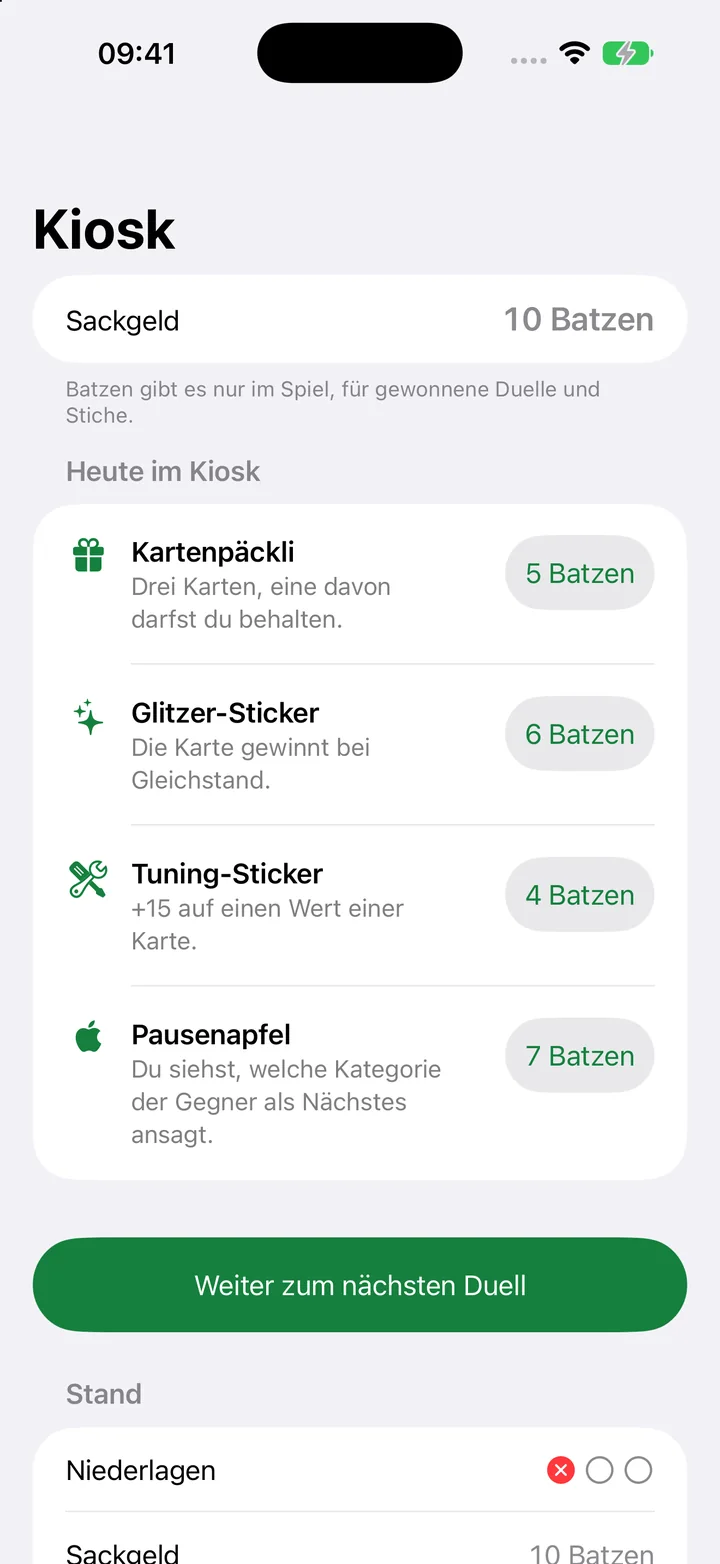
  1. The kiosk opens after every duel.
  2. Tap the price next to an offer.
  3. For a sticker, pick the card; for a tuning sticker, pick the value that gets +15.
  4. Tap “On to the next duel” to continue the run.
Shop at the kiosk

Look at the album

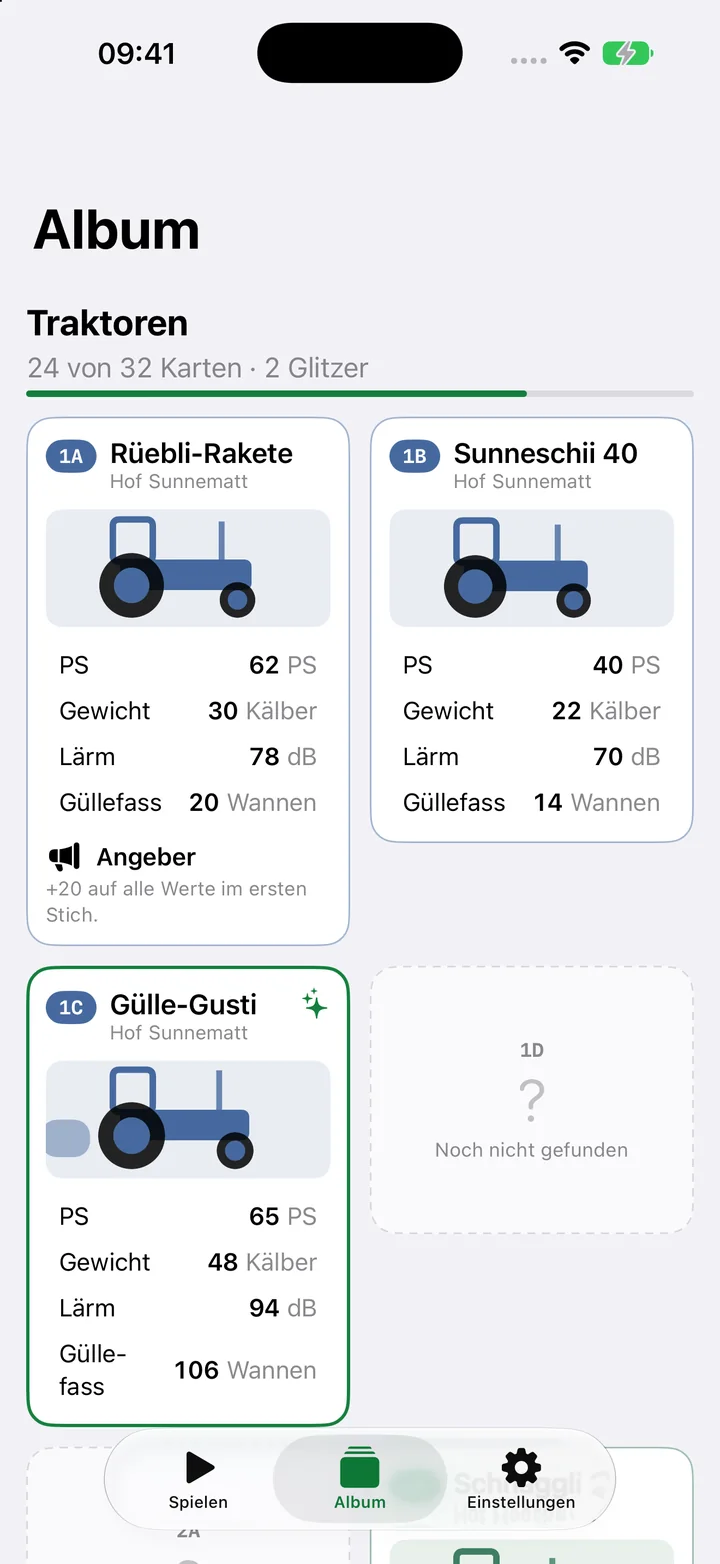
  1. Open the Album tab.
  2. Tap a card to see it large with its line.
Look at the album

Frequently asked questions

What is free?

The first schoolyard with its three duels, and the album. The full version opens schoolyards 2 to 5 and the daily run.

Does the kiosk cost real money?

No. At the kiosk you pay with pocket money from the game. Card packs are never sold for real money.

What happens when I lose a duel?

Your opponent takes your strongest card, the collector even takes two. A patch brings a card back once. After three defeats the run is over.

Are the tractors real?

No. All names, farms and values are made up.

Do I need an account?

No. Your game and album stay on your device.

Restore purchases

Open Settings in the app, tap “Stichfest Pro” and choose “Restore Purchases”. You need the same Apple ID you bought it with.

Contact

A question, a bug, a wish: write to us.

quartett@bognar.net